
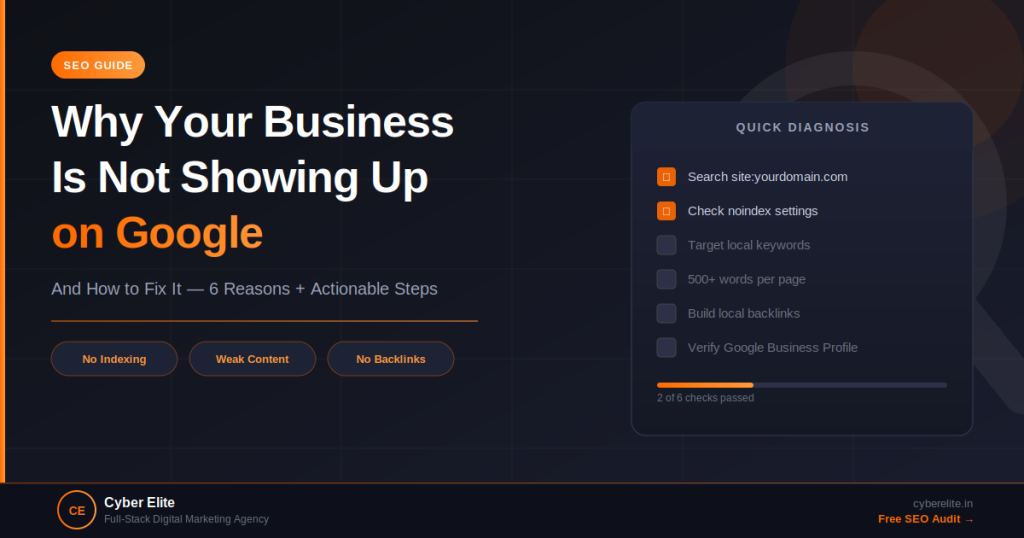
You Built a Website. Google Ignored It. Now What?
You spent money on a website. You told everyone about it. But when you search for your own business on Google, nothing. Or worse — your competitor shows up instead of you. Here are the six most common reasons this happens, and what to do about each one.
Reason 1 — Your Site Is New and Google Hasn’t Indexed It Yet
Google doesn’t discover websites instantly. New sites can take 2–8 weeks to appear in search results after launch. The fix: set up Google Search Console (free), submit your sitemap under the Sitemaps section, and use the URL Inspection tool to request indexing of your homepage. You can verify you’re indexed by searching site:yourdomain.com in Google — if results appear, you’re indexed.
Reason 2 — Your Pages Are Accidentally Set to “Noindex”
This is more common than you’d think. WordPress plugins like Rank Math or Yoast can accidentally set pages to noindex — especially after a site migration or theme change. Fix: in Rank Math, go to each important page and check that “Allow Search Engines to index this page” is enabled. Also check Settings → Reading in WordPress and ensure “Discourage search engines from indexing this site” is unchecked.
Reason 3 — You’re Targeting Keywords That Are Too Competitive
“Digital marketing agency” has millions of results. You will not rank for it in the near term. But “digital marketing agency in Bhopal” or “SEO services for small business Indore” — those are winnable. The fix: use Google’s autocomplete and “People also ask” boxes to find longer, more specific keyword phrases your ideal customers actually search. Target 3–5 of these on each page.
Reason 4 — Your Pages Have Thin or Duplicate Content
Pages with fewer than 300 words of real content rarely rank. Duplicate content — the same text appearing at multiple URLs — splits your ranking power and confuses Google. The fix: audit your site for pages that are too short and expand them. Use canonical tags to tell Google which version of duplicate URLs to prioritise. Rank Math makes this straightforward.
Reason 5 — No Other Websites Are Linking to You
Backlinks — links from other websites pointing to yours — remain one of Google’s strongest ranking signals. A site with no backlinks struggles to rank for anything competitive. Quick wins for Indian businesses: list your business on Justdial, Sulekha, IndiaMART, and Google Business Profile. Reach out to local newspapers or trade publications for mentions. Each legitimate link is a vote of confidence in Google’s eyes.
Reason 6 — Your Google Business Profile Is Missing or Incomplete
For local searches (“digital marketing agency near me”, “SEO company in Indore”), Google Business Profile (GBP) is more important than your website. If your GBP isn’t set up and verified, you’re invisible in map results. Fix: go to business.google.com, create or claim your listing, verify via postcard or phone, and fill in every field — categories, hours, photos, description, and services.
Quick Self-Diagnosis Checklist
- Search site:yourdomain.com — do results appear?
- Check WordPress Settings → Reading — is “discourage search engines” unchecked?
- Check Rank Math on each key page — is indexing enabled?
- Do your pages have 500+ words of original content?
- Are you targeting specific, local keyword phrases?
- Is your Google Business Profile verified and complete?
- Does any other website link to yours?
Still Not Showing Up After Checking All of This?
Sometimes the issue is deeper — technical crawl errors, penalty recovery, or competitive keyword analysis. Request a free website audit from our team and we’ll tell you exactly what’s holding your site back — with specific fixes, not generic advice.

